
Working Genius Console Refresh
In March 2026, the Working Genius console received a refreshed look along with several new features. Additional enhancements will continue rolling out throughout the year.
Here’s what’s new:
✨ New Look
We’ve modernized the console and aligned the interface with our other assessment products.
We’ve also streamlined key workflows to make it faster and easier to set up or take an assessment.
📧 Send Assessment Invites Directly from the Console
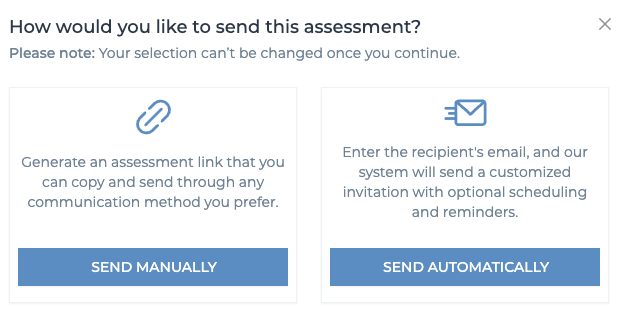
You can still generate a link to share in your preferred communication platform. But now, you can also send assessment invites directly from the console via email!
With this update, you can:
Enter a single (for individual assessments) or multiple (for group assessments) email addresses to send invites automatically
Schedule invites to send at a future date and time
Schedule reminder emails for participants who haven’t completed the assessment
Track who has or hasn’t completed a group assessment
Send reminders to incomplete participants with a couple of clicks
Create and reuse one custom invite template
🏷 Tagging
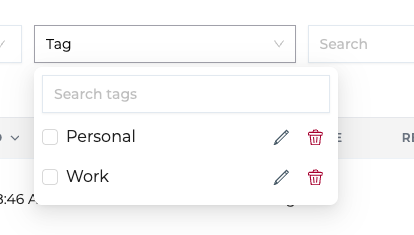
Managing multiple groups and assessments? You can now tag individuals and groups to make sorting and tracking easier.
Tags can also be added retroactively to prior groups and assessments.
Learn more about the Tagging Feature
📊 Request Results from the Console Dashboard
Have someone who has already completed the assessment, but not from your account? You can now request someone’s assessment results directly from the console home screen — no more digging through menus.
Learn more about Requesting Results.
