
Single Sign On
Edited
Setting Up SSO
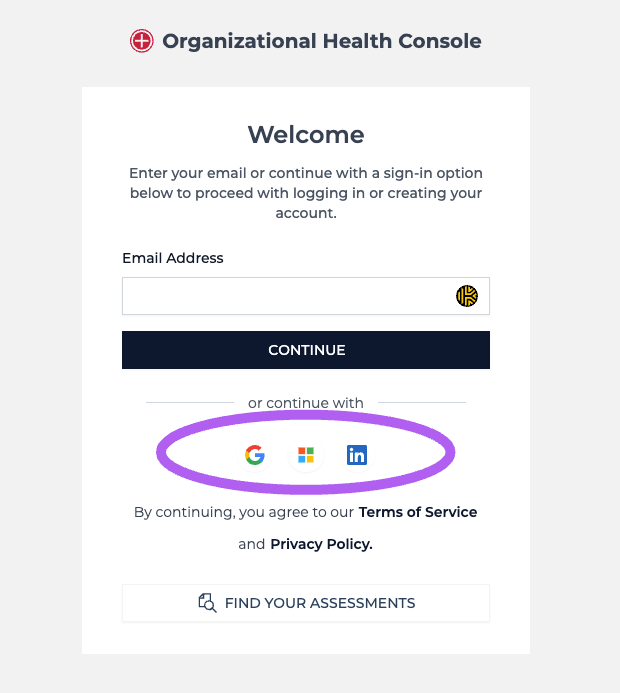
You can set up Single Sign On (SSO) for your account by using Microsoft, Google, or LinkedIn credentials when registering or logging in. Just click the corresponding provider logo on the login/create account pages.
If you already have an account, make sure your SSO email matches the email you used when initially setting up an account on our site.
Once you have enabled SSO, we are not able to reset your password as that is managed through your provider.
Changing Your SSO Settings
You can visit your Account Details - Change Password section to add a password to your account. You will also be able to change your account email as well, after you complete this step.
Was this article helpful?
Sorry about that! Care to tell us more?