Sharing Accounts through Permissions
You have the ability to enable account sharing in your Organizational Health Console. This allows you to share access to your account so others can administer assessments, manage teams/groups, purchase licenses, and take other actions on your behalf. This feature is great for corporate settings where you would like to have one "master" account that your organization shares so that all activity happens in one place.
Instructions
You can also view the following tutorials on how to enable and use the functionality in your account:
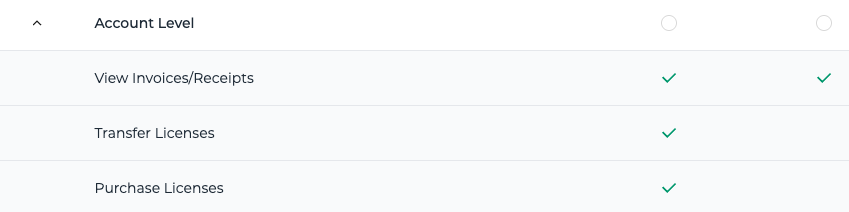
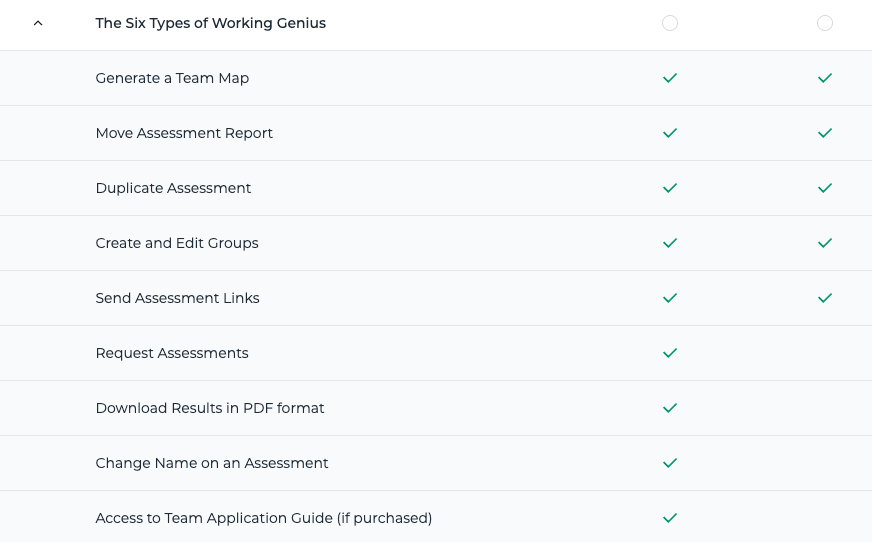
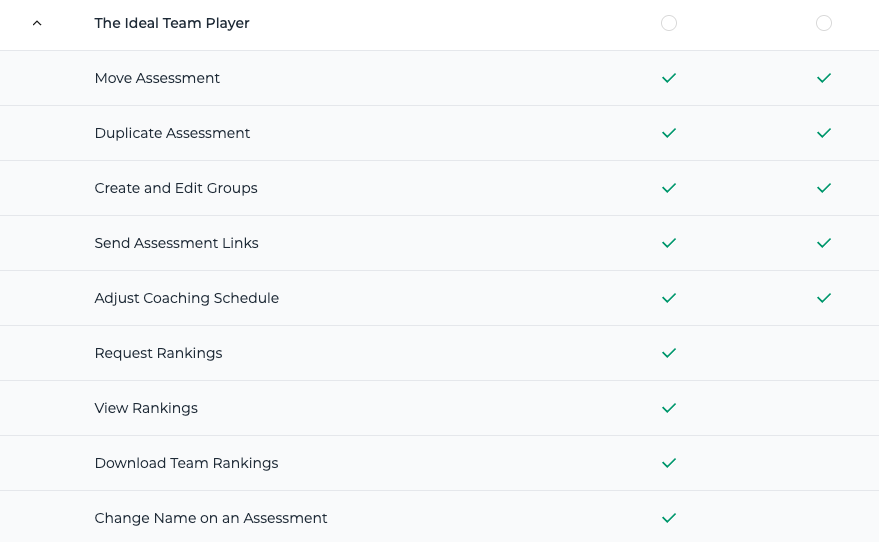
Permission Sets
Super Admin
Full access to all products and account settings. Recommended for trusted administrators. They will be able to take every action that you do with the account across all products, including managing permissions.
Admin vs Limited