Unified Console Overview
For years, our clients have used The Five Dysfunctions of a Team®, The Ideal Team Player®, and The 6 Types of Working Genius® to build healthier organizations.
Now, accessing and managing those tools will be easier than ever.
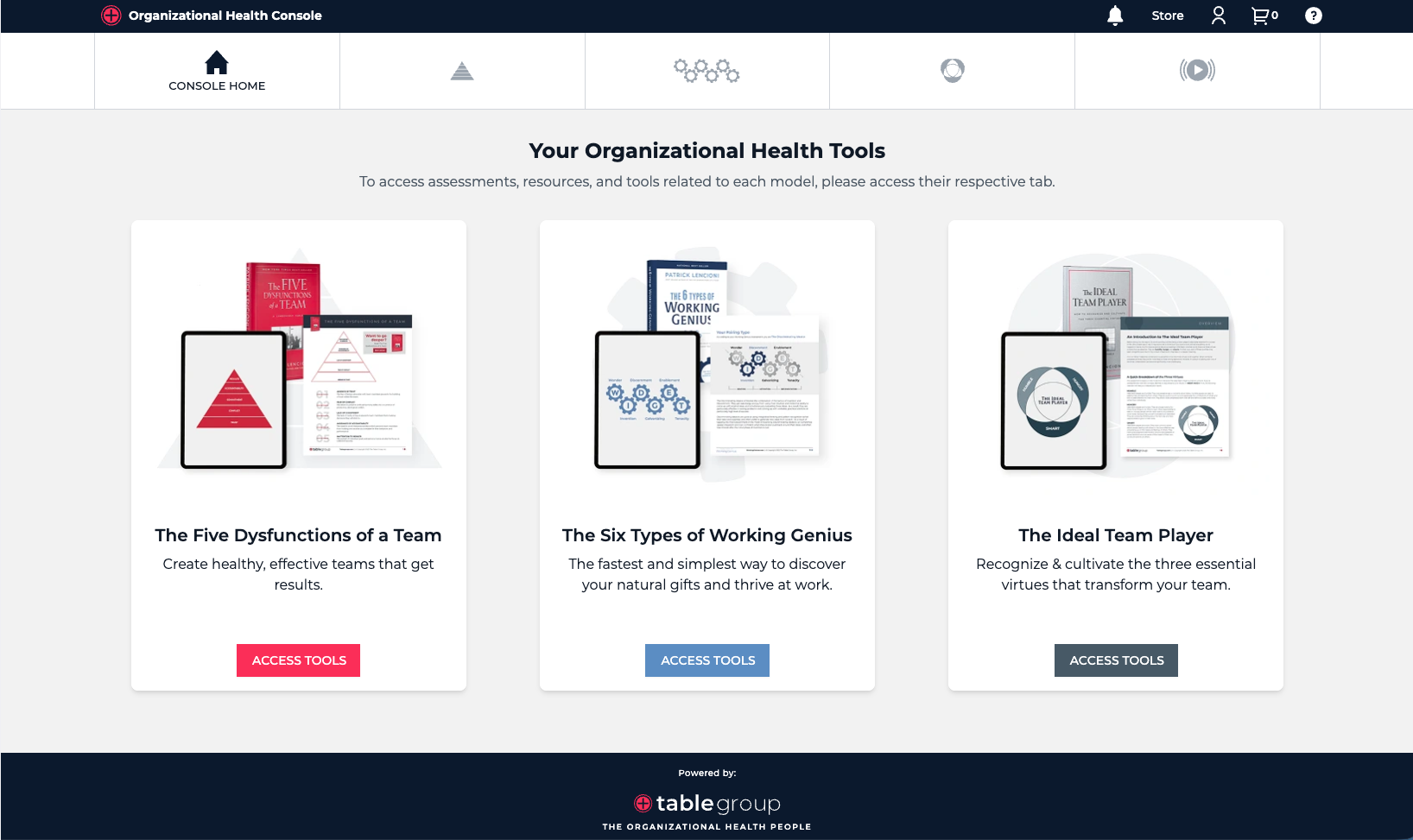
With our new unified console, you can manage all of your organizational health tools from one place, giving you a simpler way to access assessments, manage users, and support your teams.
The New Unified Console
One place for all assessments, orders, licenses, and tool access.
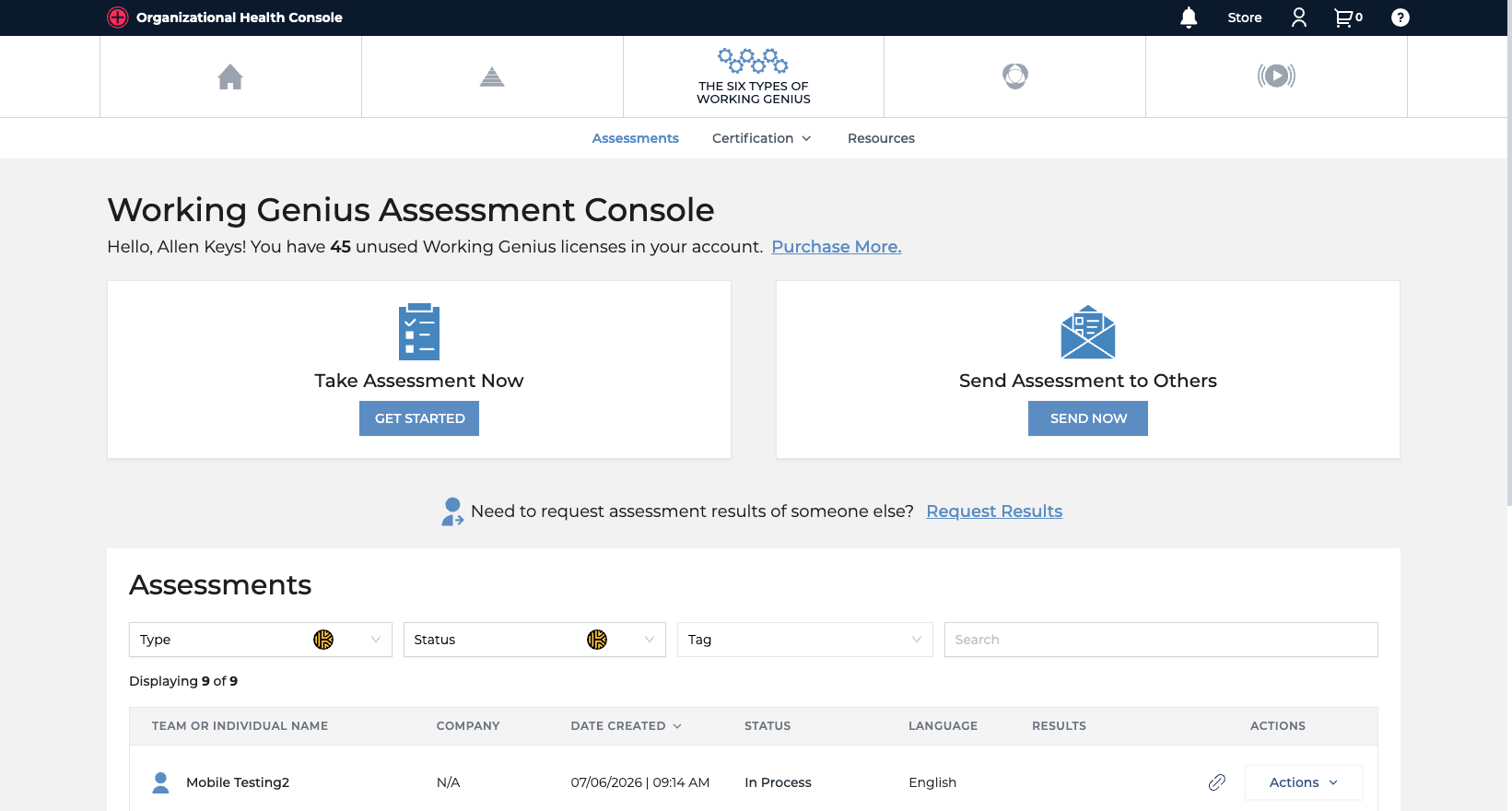
Please note that the assessment tables and setup flows are getting only minimal updates with this release. The current release is mostly about bringing everything together under one roof, and making it easier to use all of our tools together.
Once the Unified Console goes live it will allow us to start working on some further refinements to areas such as the Five Dysfunctions of a Team Assessment setup and features, as well as, more unification of flows and user interface throughout the 3 products. We also plan to allow people to send all 3 assessments together in one setup flow in the future as well.
Helpful Tips on First Login
You'll be able to bookmark and login directly from app.tablegroup.com
If you login from tablegroup.com you will land directly on the homepage shown above.
If you login from workinggenius.com you will land directly on the Working Genius Assessment console tab.
Account Details
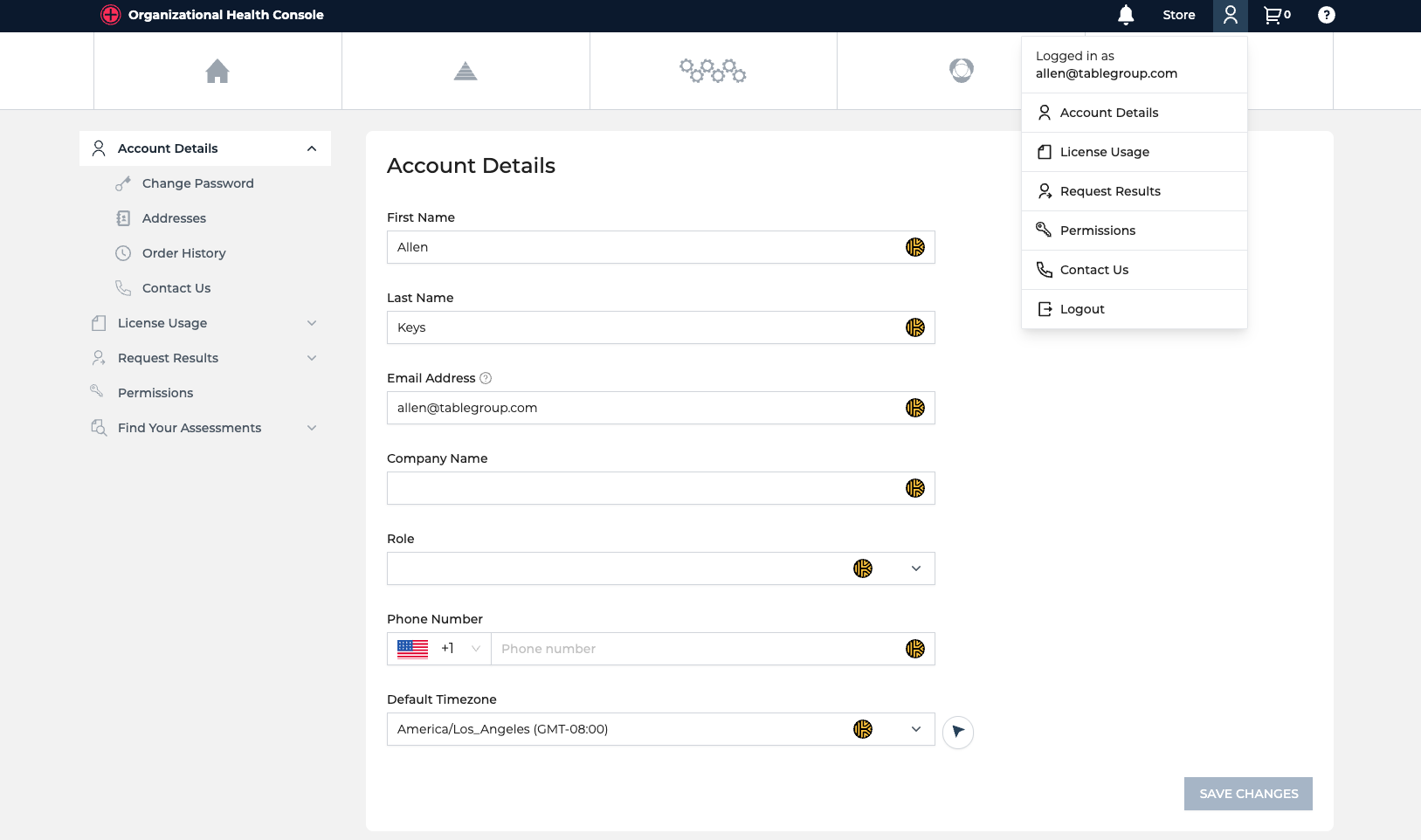
You will be able to access all Account Details such as password, addresses, order history, license usage, results requests, and permissions from the person icon menu.
Permissions
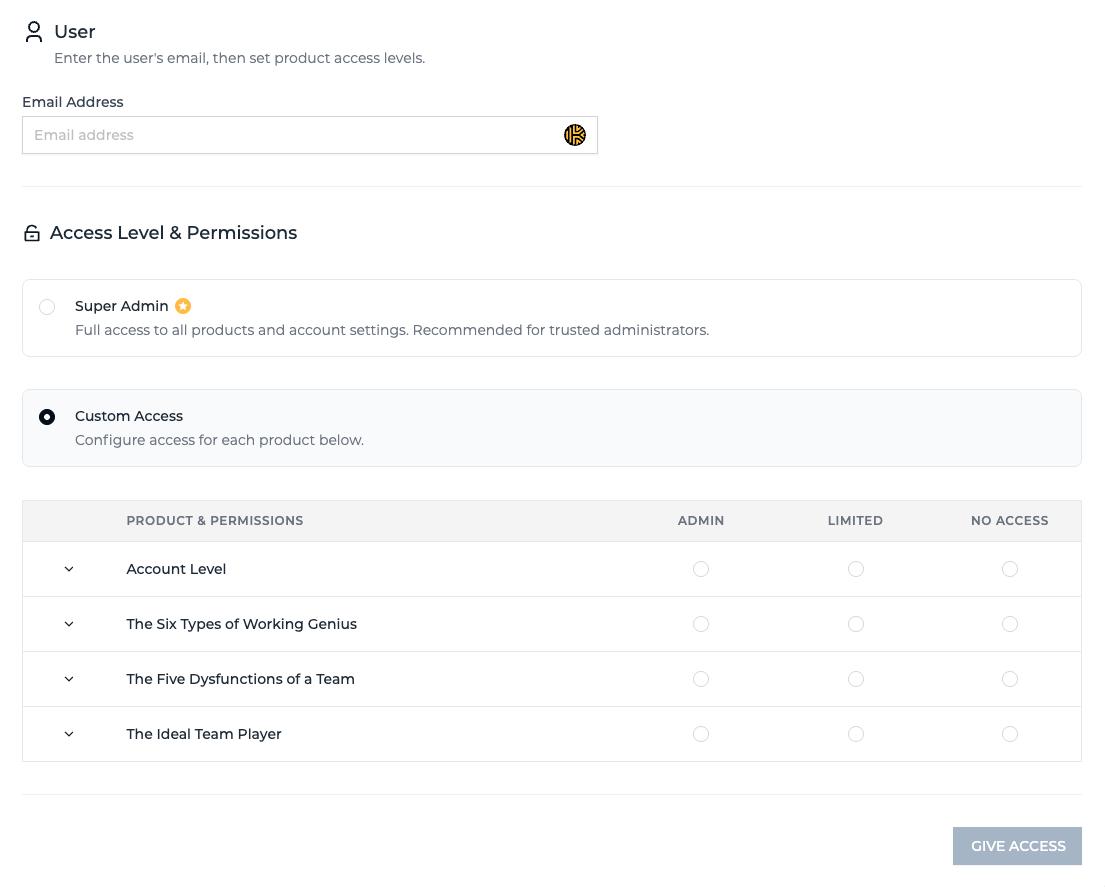
Permissions has been completely revamped to allow you to share access to all 3 assessment tools, as well as account settings, along with a new Super-Admin permission level.
Assessments Export
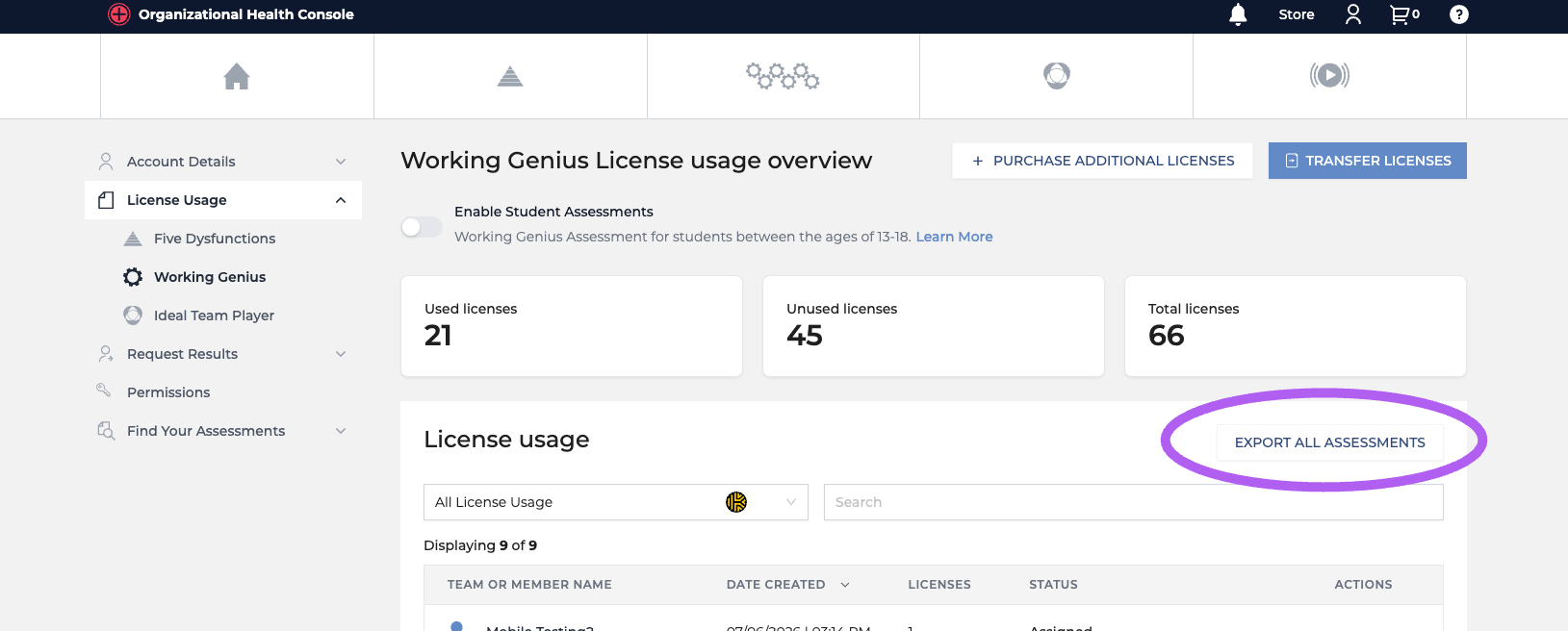
You now have the ability to export a CSV file of all your assessments directly from your console. This will be accessible under License Usage for each product.
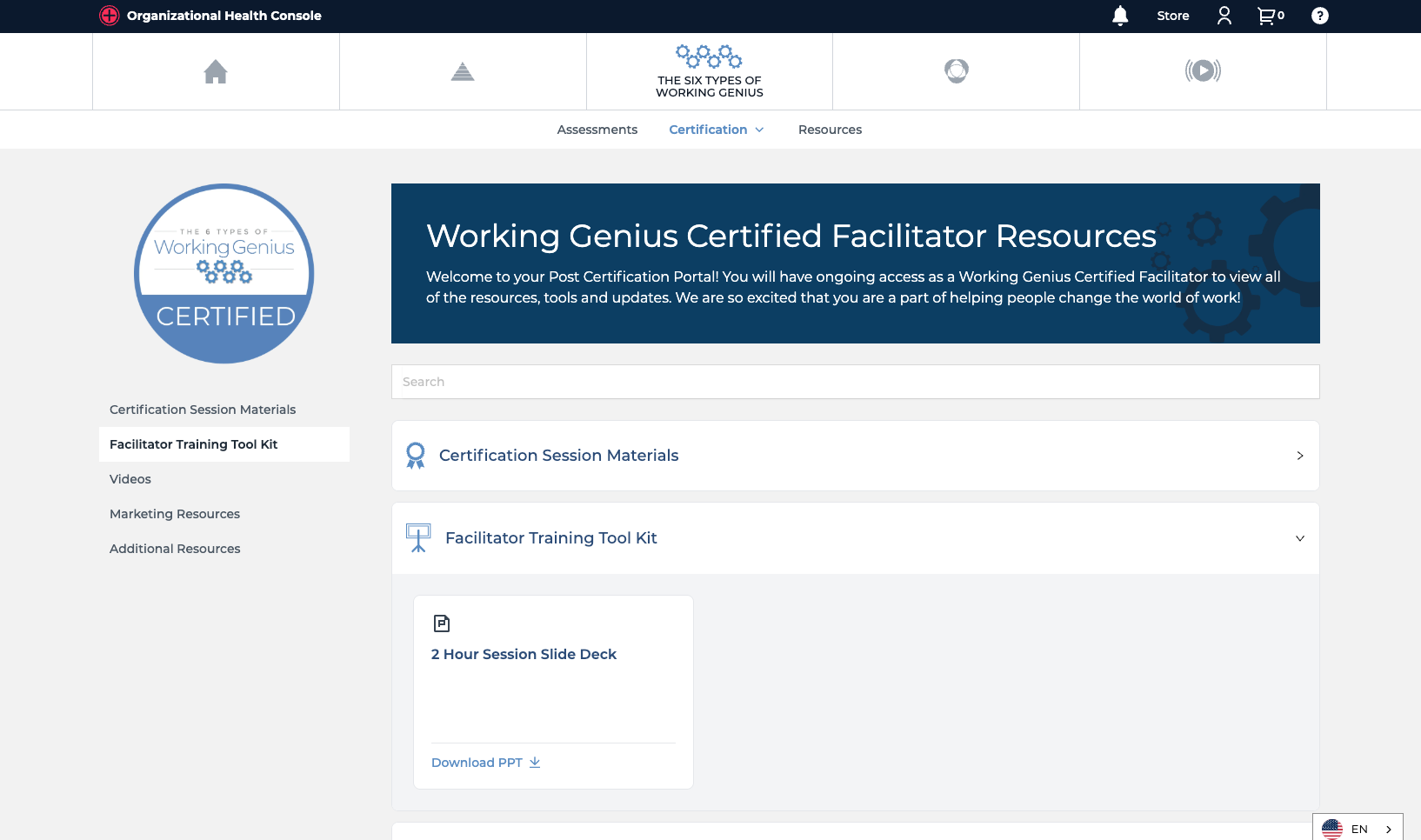
Working Genius Certification Resources Refresh
You'll also notice a refreshed Resources section with a search functionality for those that are Certified.