
Add A New Participant To An Open Working Genius Assessment Group (Sent Automatically)
Edited
Purchase an additional license if you do not have any remaining licenses.
Click the name of the team you wish to modify on the assessments page in your Console. This will open the group assessment.
Click "+ Add Participant"
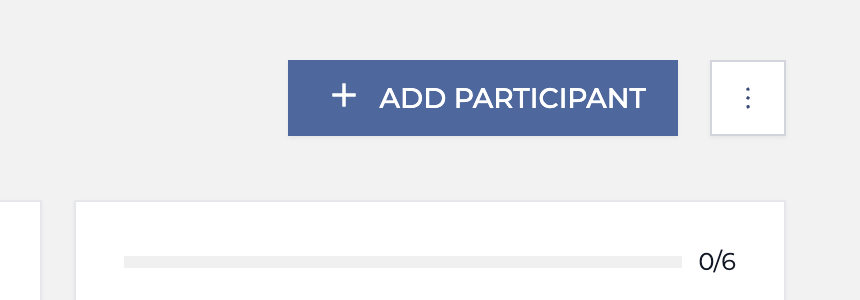
Enter the email address of the participant and click the "Add Participant" button at the bottom of the sidebar.
An email containing your original custom email message will be sent to the team member you just added.
Was this article helpful?
Sorry about that! Care to tell us more?